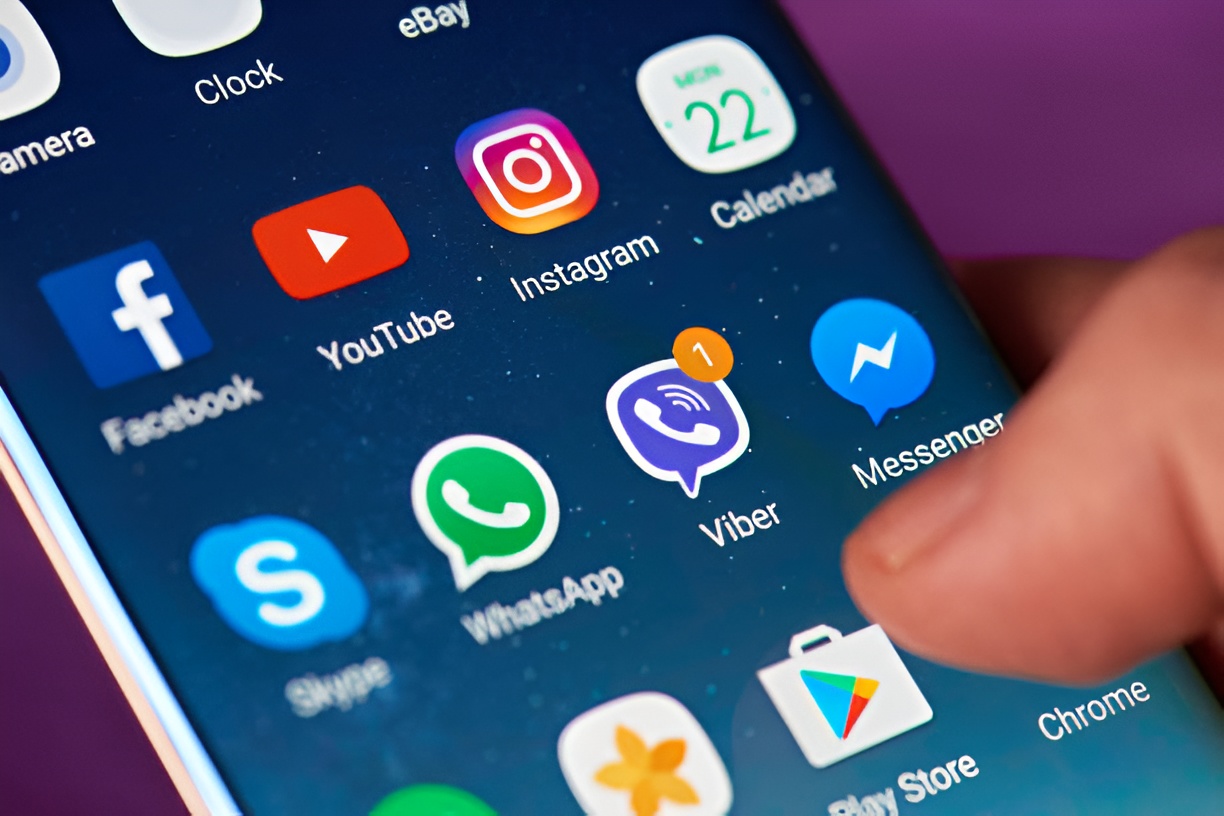
When it comes to protecting your privacy on a smartphone, app lock software for Android is one of the most useful tools you can install. With so many apps holding sensitive data like banking details, personal chats, and private photos, adding an extra layer of security is no longer optional. But here’s the big question: should you stick with a free app lock, or is it worth paying for the premium version? Let’s compare free vs paid app lock software for Android so you can decide what’s right for you.
Why App Lock Software for Android is Essential
Your phone may already have a lock screen, but once it’s unlocked, anyone can open your apps. That means a friend could snoop through your messages, a child might access your gallery, or worse, someone could peek into your banking apps. App lock software for Android solves this by locking down individual apps with a PIN, password, fingerprint, or face unlock. It’s like having a second layer of defense, giving you peace of mind that your private apps stay private.
Free App Lock Software for Android
Most people start with free apps, and for good reason, they cost nothing and usually provide basic protection. A typical free app lock software for Android allows you to set a pattern or PIN to protect apps like WhatsApp, Facebook, Instagram, or your photo gallery.
Benefits of Free App Lock Software
- No cost: You can secure your apps instantly without paying.
- Easy to set up: Most free apps are beginner-friendly and quick to install.
- Core features included: PIN, pattern, or fingerprint locking is usually available.
Limitations of Free Versions
- Ads everywhere: Free versions often bombard you with ads, which can be annoying.
- Limited customization: Features like themes, advanced security settings, or intruder selfies may be missing.
- Lower security: Some free app lock software for Android apps are easier to bypass or uninstall.
If you only want to protect a few social apps or hide your photos from casual snooping, free options might be enough. But if you’re worried about advanced privacy risks, the downsides can be a deal breaker.
Paid App Lock Software for Android
Premium or paid app lock software for Android usually removes ads and offers more powerful tools. These apps often include features designed for users who want maximum security and flexibility.
Benefits of Paid App Lock Software
- No ads: Enjoy a smooth, distraction-free experience.
- Extra features: Break-in alerts (selfies of intruders), fake covers, and stealth mode are common in premium versions.
- Stronger security: Paid apps usually come with frequent updates and stronger encryption, making them harder to bypass.
- Better customer support: Many premium services provide direct help if you face issues.
Limitations of Paid Versions
- Cost: You may need to pay monthly or yearly fees, which not everyone likes.
- Overkill for light users: If you only want basic protection, a paid app may feel unnecessary.
If you keep sensitive files on your phone, like banking apps, work emails, or private business chats, paying for advanced protection is often worth it.
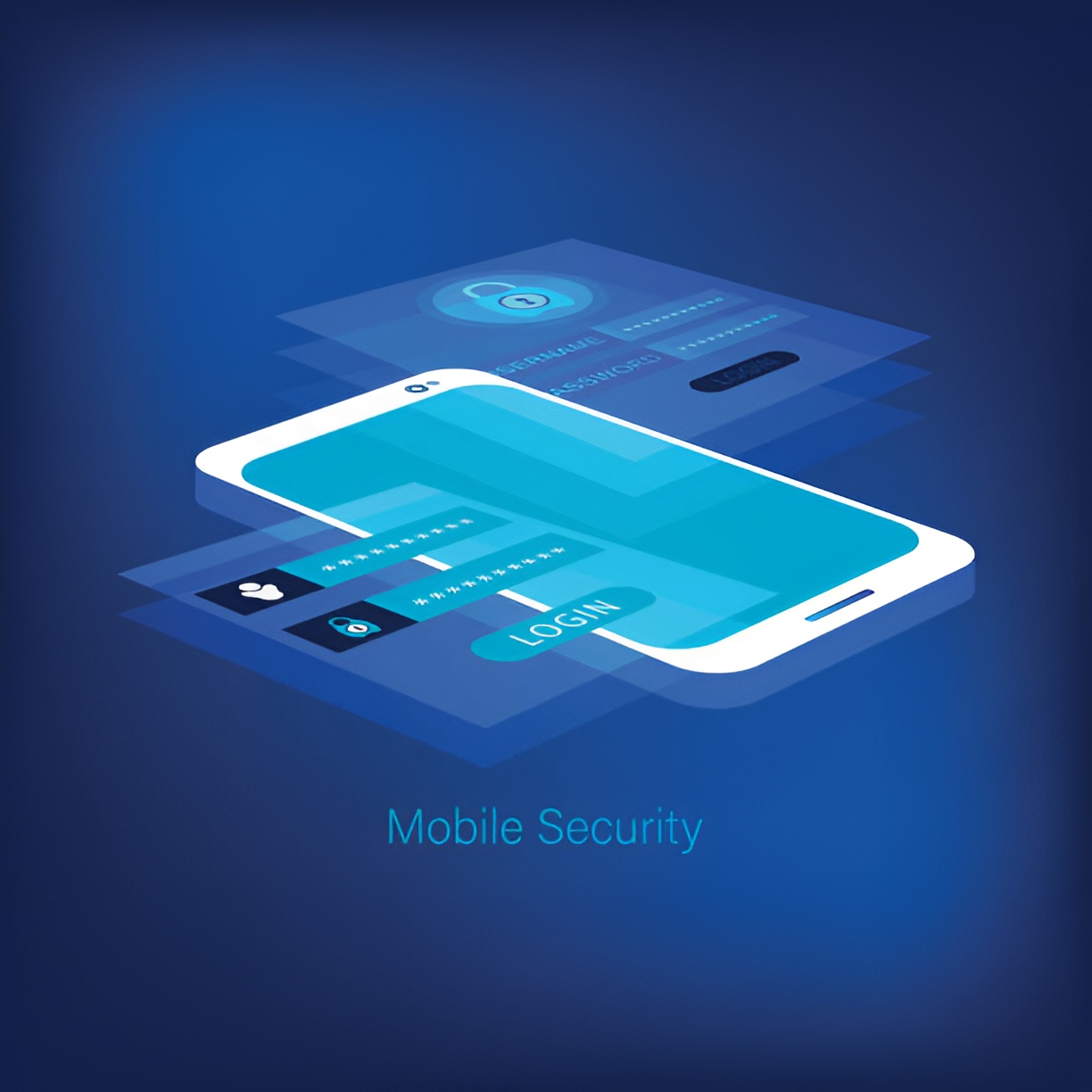
Free vs Paid: Which One Should You Choose?
Deciding between free and paid app lock software for Android depends on your needs.
- Go Free if you just want to protect apps from kids, friends, or casual snoopers. Free apps cover the basics and are fine for light use.
- Go Paid if your phone stores sensitive financial, business, or personal data. The advanced features of premium apps provide peace of mind against serious privacy risks.
Popular Free App Lock Options
Some of the most used free app lock software for Android include:
- AppLock by DoMobile
- Norton App Lock
- Smart AppLock
These are lightweight, easy to use, and perfect for beginners.
Popular Paid App Lock Options
For those who want more power, some popular premium apps are:
- AppLock Pro (ad-free with advanced features)
- Privacy Knight
- Premium versions of free apps like DoMobile AppLock
These usually come with features like intruder selfies, time-based locks, and stealth mode to hide the app from your home screen.
Final Thoughts
In today’s world, our smartphones hold more personal information than ever before. That’s why app lock software for Android has become such an important tool. Whether you go with a free option or invest in a paid version depends on how much security you need. Free apps are fine for casual use, while premium ones offer advanced protection for those who handle sensitive data daily.
At the end of the day, the best choice is the one that makes you feel secure and comfortable using your phone, knowing your private apps are safe from prying eyes.